Your computer's screen, live, on your phone
Like VNC, but WebRTC: the screen goes straight from your computer to the phone (on your network when the phone is on it), as an H.264 video, with the mouse and the keyboard. Nothing to install on the phone.
Open JumPHP Screen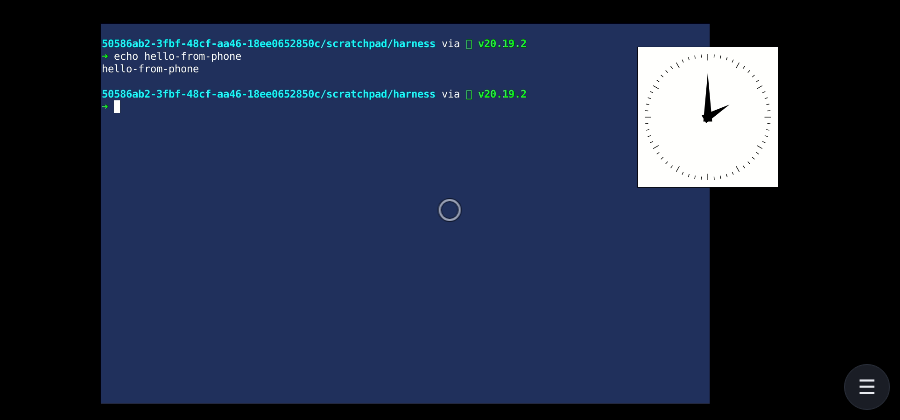
How to use it
- In the JumPHP IDE on your computer, click the “Screen on a phone” button next to the menu (☰), choose a quality, Start.
- Scan the QR code with the phone (or paste the link in the app). The link holds the key: keep it private.
- Allow the device on the computer. It sees the whole screen, not only the IDE: only allow a phone you just paired yourself.
Controls
- Touchpad mode: slide = move the mouse, tap = click, 2 fingers = right click or scroll, 3 fingers = middle click, pinch = zoom, hold then slide = drag.
- Touch mode: tap where you want to click, slide to drag, hold = right click.
- ⌨ the phone's keyboard (accents included); Fn: Esc, Tab, sticky Ctrl / Alt / Shift / Super, arrows, F1-F12, Ctrl+C, Ctrl+V, Alt+Tab…
- Fit / 1:1, the bitrate live, statistics, fullscreen.
What the computer needs
Linux with an X11 session and the JumPHP IDE. The streamer is GStreamer: installed packages (lowest latency) or Docker (built the first time). The IDE's dialog says what is missing; the full list is in the documentation of the jumphp/webrtc extension.
Privacy
The pairing key stays in the link's fragment (never sent to a server). The connection setup goes through jumphp.net's relay, end-to-end encrypted; the video and your input go peer to peer. A STUN server only tells the computer its public address.